# Key fob
### Main key fob firmware update
1. Connect the additional key fob to the PC or smartphone using a MicroUSB cable.
2. Hold buttons 1 and 3 on the additional key fob at the same time until you hear the second beep sound, then release the buttons.
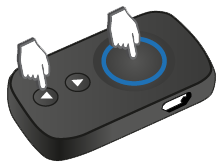
3. Start the StarLine Master app and make sure that no device is shown in the list.
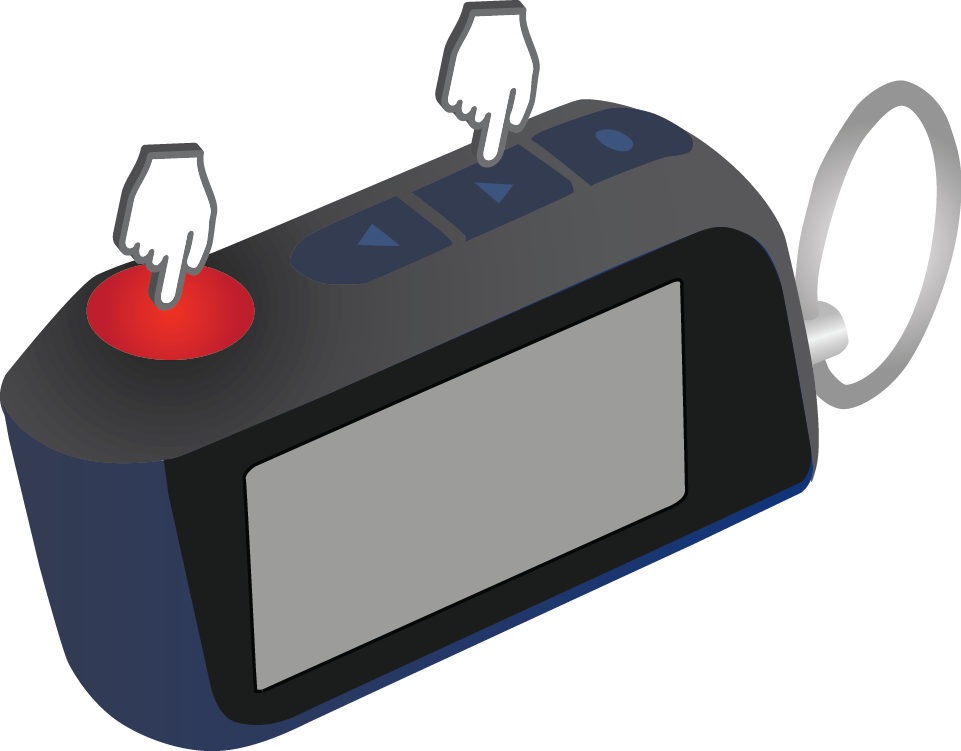
4. Hold buttons 1 and 3 on the **MAIN** key fob at the same time until you hear the second beep sound, then release the buttons.
[](https://help.starline.ru/uploads/images/gallery/2024-06/Av0image.png)
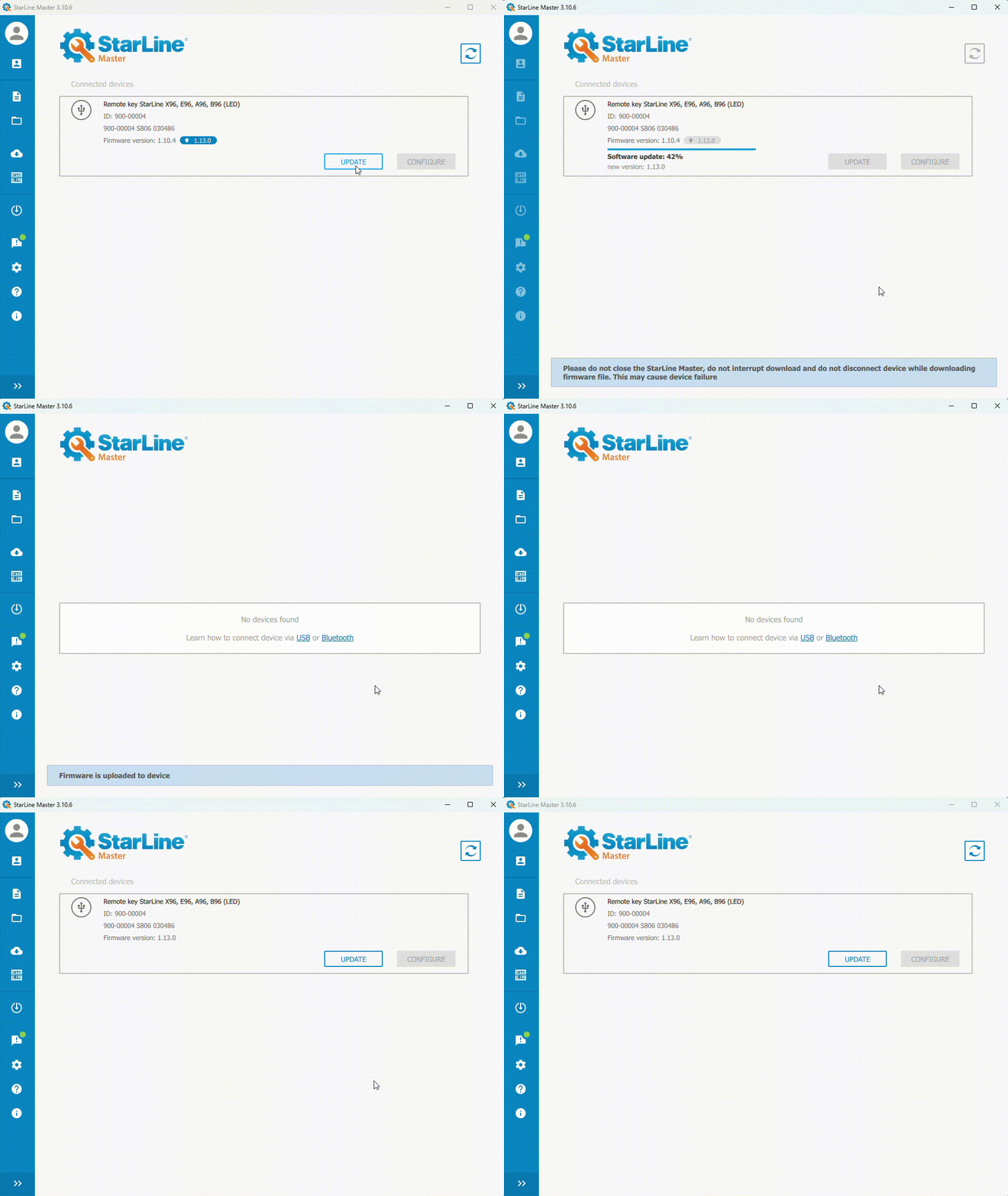
5. Make sure the main key fob is detected in the StarLine Master app.
6. Press "Update"
7. Select firmware version from Firmware library and click "Update".
8. The main key fob firmware update process will start. After download is complete, a message will appear confirming the successful download.
[](https://help.starline.ru/uploads/images/gallery/2025-09/main-key-fob-firmware-update.gif)
### Additional key fob firmware update
1. Connect the additional key fob to the PC or smartphone using a MicroUSB cable.
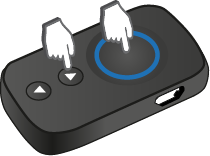
2. Hold buttons 1 and 3 on the additional key fob at the same time until you hear the second beep sound, then release the buttons.
[](https://help.starline.ru/uploads/images/gallery/2024-06/cydimage.png)
LED on the additional key fob will start blinking red, followed by sound signals.
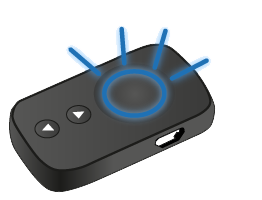
3. Open the StarLine master app and make sure that key fob is detected.
4. Click "Update"
5. Select firmware version from Firmware library and click "Update".
The additional key fob firmware update process will start. After download is complete, a message will appear confirming the successful download.