
Owner authorisation code (PIN-to-Drive)
Pin-to-Drive code entered with factory buttons is used for secondary owner authorisation at disarming and immobiliser mode.
Recording and changing authorisation PIN code in registration mode:
-
Disarm system if it is armed

-
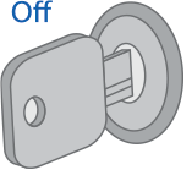
Switch ignition Off if it is On
-
Push service button or external transceiver button 7 times

-
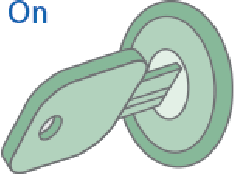
Switch ignition On. 7 LED flashes and 7 beep sounds shall follow
-
Entry into registration mode will be confirmed with 2 LED flashes and 2 beep sounds

-
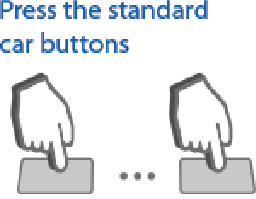
Enter a new PIN code with use of supported factory buttons with 3 sec and less intervals. Each pushing will be indicated with one LED flash
7. Code entry will be confirmed in 3 sec with 2 LED flashes and 2 beep sounds
8. Enter a new Pin code once again
9. Properly repeated new code entry will be confirmed with 2 LED flashes and 2 beep sounds. Invalid code entry is followed with 4 LED flashes and 4 sounds, then repeat 5...8 steps
10. Switch ignition Off within 10 sec to exit registration mode
11. Exit from registration mode will be confirmed with 2 LED flashes and 2 beep sounds
Deleting authorisation PIN code
-
Disarm system if it is armed
-
Switch ignition Off if it is On
-
Push service button or external transceiver button 7 times
-
Switch ignition On. 7 LED flashes and 7 beep sounds shall follow
-
Entry into registration mode will be confirmed with 2 LED flashes and 2 sounds
-
Push service button 3 times
-
Wait for the long LED light up confirming that existing authorisation PIN code has been erased from memory
-
Switch ignition Off
-
Exit from registration mode will be confirmed with 2 LED flashes and 2 beep sounds